Tiny Tools, Hard Rules: The Digital Artists Who Build Their Own Limitations
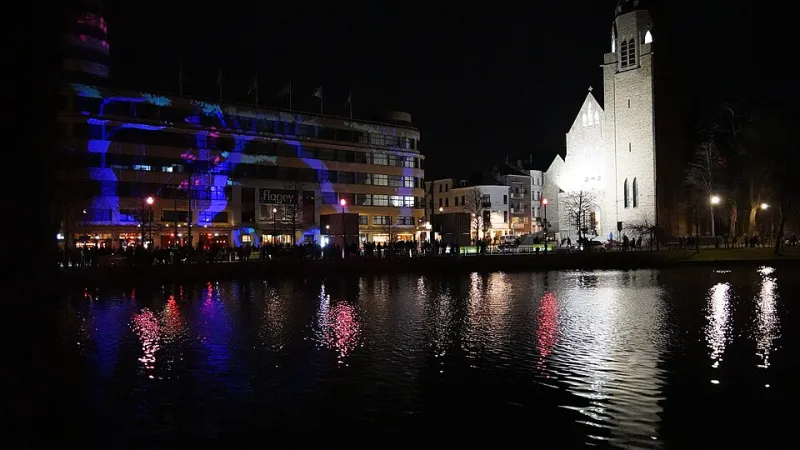
Photo: Miguel Discart, CC BY-SA 2.0, via Wikimedia Commons
Most digital studios brag about what their software can do. A smaller group is bragging about what it cannot. In Chicago, a designer named Mara built a color tool with one slider and no color picker. In Philadelphia, an animator uses a script that allows exactly three easing curves. In Seattle, a studio commissioned a texture generator that produces one family of grain and refuses to produce anything else. None of these people are short on options. They are short on patience for options.
A Studio That Fits in a Menu Bar
The new constraint plugin is rarely a product. It is usually a personal tool, sometimes built in a weekend, sometimes paid for like a piece of custom furniture. It lives in a menu bar or a single browser tab. It has a name that sounds more like a label than a brand. It does one thing, and then it gets out of the way.
Mara's tool is called Tint. You drag one slider. The hue shifts across a narrow band she chose years ago. There is no saturation control, no eyedropper, no palette library. She uses it for every project now. Clients do not know the tool exists, but they recognize the result. The work has a consistent temperature, a kind of visual handwriting that a full suite of options would make harder to keep.
Constraint as Signature
That is the trade. Infinite software expands possibility, but it also expands decision fatigue. A one-slider tool collapses the decision into a stance. The limitation becomes part of the artwork, not a compromise. A fixed-rule animation script does not just save time. It tells you what the artist believes motion should feel like.
The artists who work this way tend to describe their tools in plain language. They are not trying to build the next big app. They are trying to protect a way of looking. A tool that does almost nothing is a tool that keeps the maker honest.
The Anti-Suite Backlash
This is not a rejection of software. It is a rejection of the everything app. The modern creative suite is a room with a thousand doors. Constraint tools are a room with one door and a good window. You can argue that the second room is smaller. The artists inside would say it is finally the right size.
There is also a market signal here. In 2026, digital art buyers are surrounded by work that looks technically expensive. The pieces that stand out often look technically stubborn. A single hue held for a full minute. A texture repeated until it becomes a rhythm. A motion that follows one rule so strictly that the rule becomes visible. Those choices read as authorship, not accident.
What a One-Button Tool Actually Does
The actual mechanics are less romantic than the philosophy. A one-button texture generator might run a short script that samples noise, applies a fixed blend, and exports a tile. A one-slider color engine might convert a base value into a narrow hue range. A fixed-rule animation script might apply the same curve to every keyframe. The magic is not in the code. It is in the refusal to add a second button.
That refusal has a cost. Custom tools break. They need maintenance. They do not play nicely with every update. Artists who rely on them are making a small bet on their own patience. But the bet pays off in consistency. The studio becomes recognizable not because it has more options, but because it has fewer.
The Collector's View
Collectors are starting to notice. A minimalist digital piece with a visible rule is easier to talk about than a polished image with no point of view. The rule is a story. It is also a boundary. You can describe the work without describing the software.
That may be the real flex. In a culture that treats every tool as a subscription, a tiny private tool is a form of independence. It says the artist did not need the whole orchestra. One instrument was enough.